Dell XPS 14 2026: The Truth Beyond the Marketing
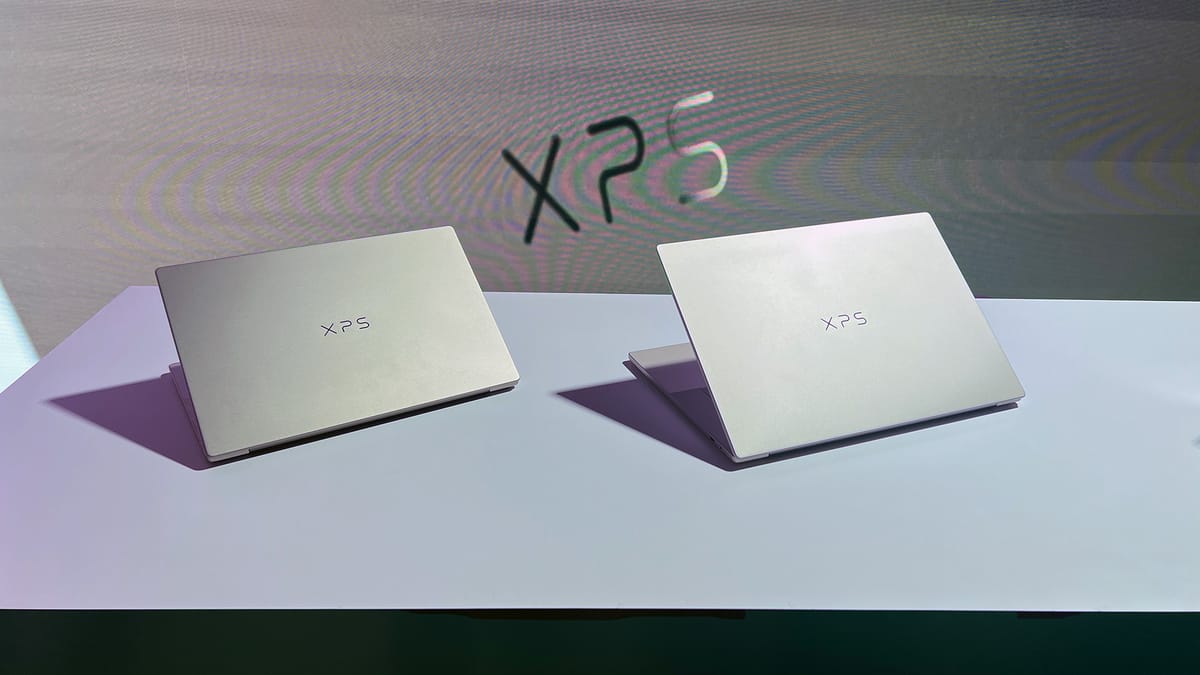
After Dell revived its iconic XPS line with the 2026 models, early adopters have been sharing their real-world experiences with the XPS 14. While the marketing promises premium performance and sleek design, actual users reveal a more nuanced picture of what daily ownership truly entails. The consensus among buyers suggests this laptop represents a significant improvement over previous generations, but with specific limitations that potential owners need to understand before committing.
What Owners Are Discovering About Build Quality
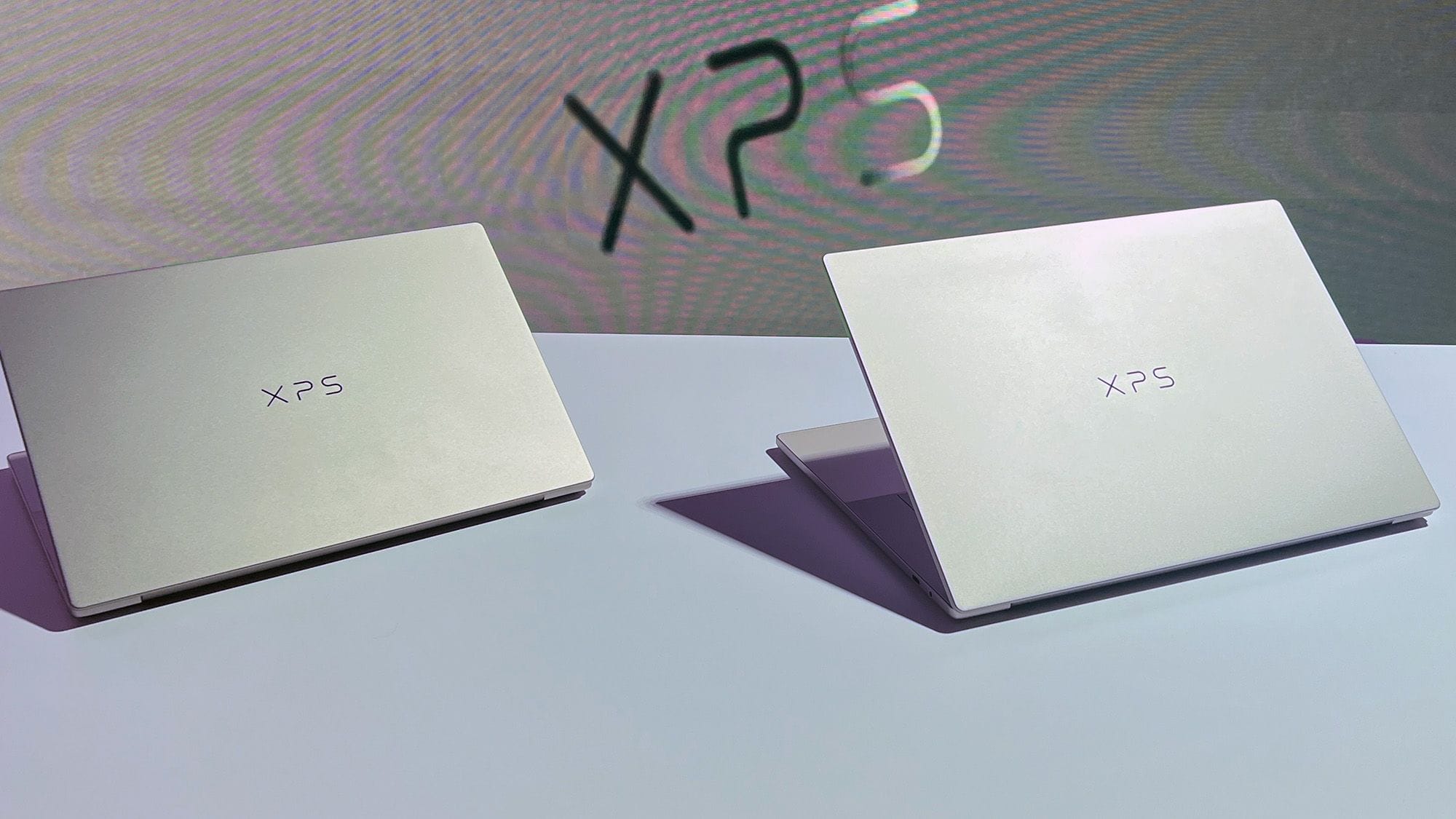
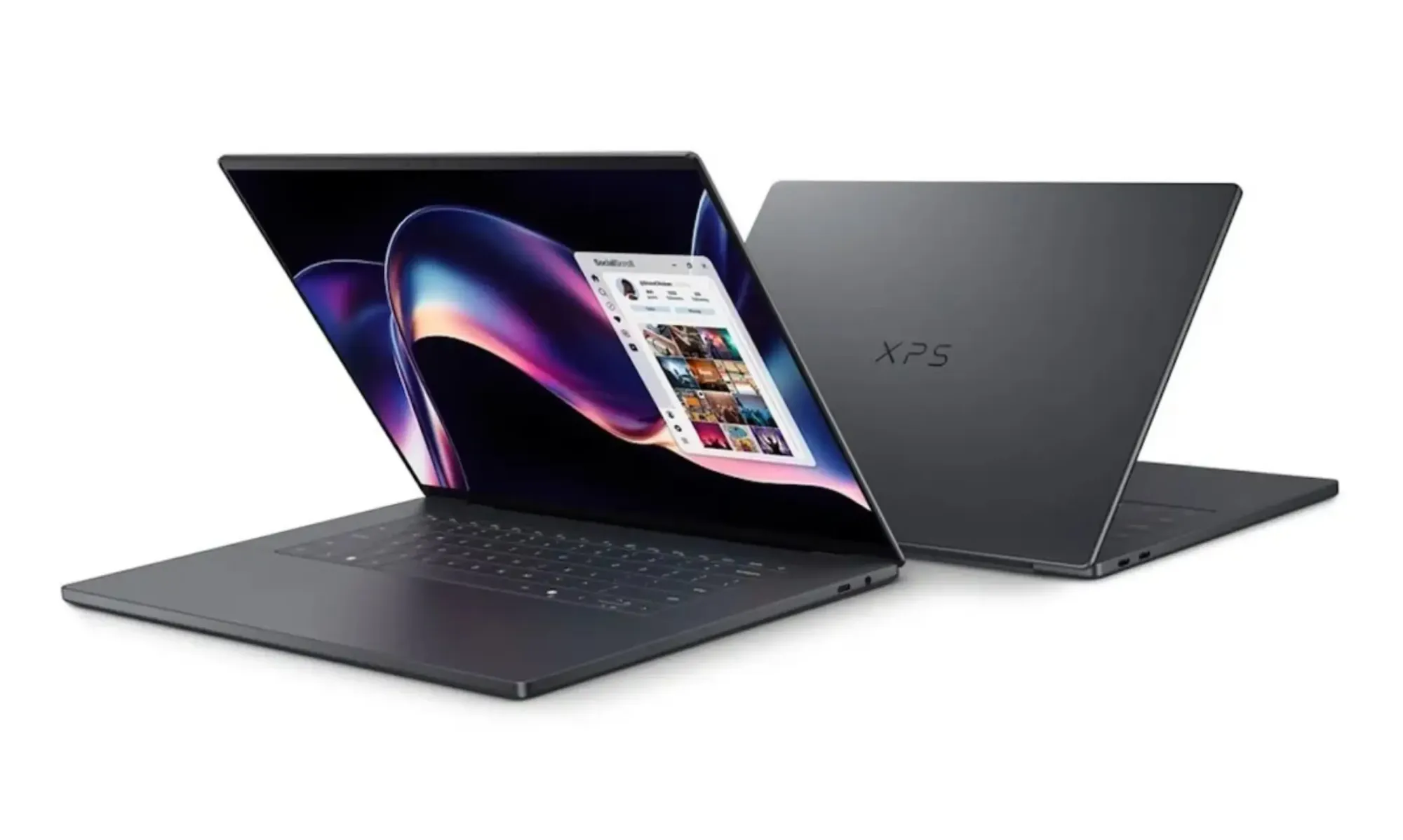
Users consistently praise the XPS 14's physical construction, describing it as the most refined iteration of the XPS line to date. The CNC-milled aluminum chassis receives widespread approval for its solid feel and premium appearance. Many buyers note that the laptop feels significantly lighter than previous models while maintaining excellent structural integrity. The updated haptic trackpad, which addresses previous complaints about invisible boundaries, has been particularly well-received by those who struggled with earlier XPS designs.
The Real-World Performance Experience
Where users diverge most significantly is in their assessment of the XPS 14's performance capabilities. Those using the laptop for general productivity tasks, web browsing, and media consumption report exceptionally smooth operation with the Intel Core Ultra processors. The integrated Intel Arc graphics receive praise for handling everyday graphics needs competently, with many users noting significant improvements over previous integrated solutions.
However, a persistent complaint emerges among users who attempt more demanding workloads. The lack of discrete GPU options proves to be a genuine limitation for those engaged in 3D modeling, video editing, or gaming. Users report that while the laptop can handle moderate creative tasks, it struggles with sustained heavy workloads that would benefit from dedicated graphics acceleration. This limitation becomes particularly apparent when users compare the XPS 14 to similarly priced competitors offering RTX options.
Display Quality and Battery Life Reality
Owners consistently highlight the display quality as a standout feature, with both the 2K LCD and 2.8K OLED options receiving high marks. Users praise the color accuracy, brightness, and smooth 120Hz refresh rate, noting that the displays rival or exceed what they've experienced on premium competitors. The variable refresh rate technology, which can drop as low as 1Hz to conserve power, proves particularly effective in extending battery life during less demanding tasks.
Battery life experiences vary significantly depending on configuration and usage patterns. Users with the 2K LCD display report achieving close to Dell's claimed 27-hour streaming battery life under optimal conditions. However, those who opt for the 2.8K OLED panel note that real-world battery life decreases substantially, especially when running at higher brightness levels or utilizing the full 120Hz refresh rate. Many users discover they need to adjust display settings to achieve acceptable battery life for all-day use.
Thermal Management and Comfort Concerns
A recurring theme in user feedback centers on thermal performance and comfort during extended use. Dell's decision to prioritize lower noise and temperatures over maximum performance receives mixed reactions. Users appreciate that the laptop remains relatively quiet and comfortable on the lap during typical workloads, with many noting it's a significant improvement over previous XPS models that could become uncomfortably warm.
However, performance-focused users express frustration with the thermal limitations. They report that sustained CPU-intensive tasks trigger thermal throttling unless users manually switch to Ultra Performance mode, which increases fan noise and surface temperatures. This trade-off between performance and comfort proves to be a point of contention, with some users wishing for more aggressive cooling to maintain higher performance levels.
Port Selection and Expandability Issues
The minimalist port selection emerges as a consistent pain point among users. While the three Thunderbolt 4 ports provide excellent connectivity options, many owners find themselves needing additional adapters and dongles for common peripherals. Users working with external displays, SD cards, or legacy USB-A devices report that the lack of built-in options adds both cost and complexity to their setup.
Another significant concern involves the non-upgradeable nature of the RAM. Users who initially opt for lower memory configurations discover they cannot expand it later, forcing them to either live with limitations or purchase a completely new system. This limitation proves particularly frustrating for users whose needs evolve over time, as they find themselves constrained by their initial configuration choices.
Value Assessment and Purchase Recommendations
User sentiment regarding value varies dramatically based on individual needs and expectations. Those seeking a premium, well-built laptop for general productivity and media consumption generally feel the XPS 14 offers good value, especially when considering its display quality, battery life, and build materials. Many users upgrading from older XPS models or competing systems express satisfaction with their purchase.
However, users requiring more specialized capabilities express reservations about the price-to-performance ratio. The absence of discrete GPU options, combined with the premium pricing, leads some to question whether the XPS 14 represents the best value for their specific use cases. Many suggest that users needing graphics performance should consider alternatives or opt for the larger XPS 16 model, which offers more powerful configuration options.
The User Verdict: Who Should Consider the XPS 14
Based on extensive user feedback, the Dell XPS 14 2026 appears best suited for specific buyer profiles. Users who prioritize build quality, display excellence, and battery life over raw performance generally report the highest satisfaction levels. The laptop excels as a premium productivity machine for professionals, students, and general users who value portability and premium construction.
Conversely, users engaged in graphics-intensive work, gaming, or demanding computational tasks should carefully evaluate their needs before purchasing. The integrated graphics limitation proves to be a genuine constraint for these use cases, and many users in these categories suggest considering alternatives with discrete GPU options.
This analysis is based on extensive user feedback and owner experiences analyzed by TrueViewHub in January 2026. We specialize in aggregating real user perspectives to reveal what products are truly like beyond manufacturer marketing. Our methodology prioritizes actual owner experiences over promotional content.