Dynabook Tecra A60-M: The Business Laptop Reality Check
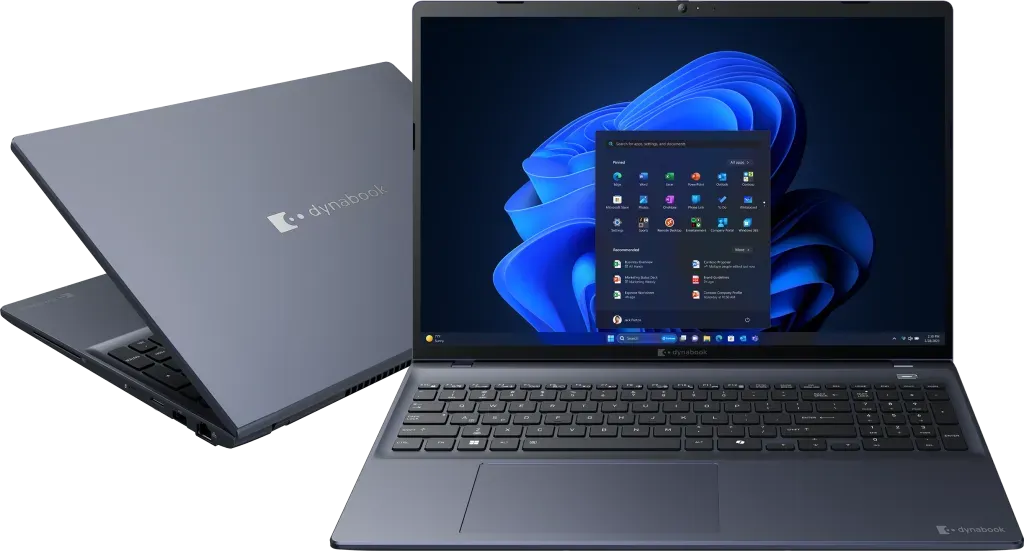
When business professionals invest in a laptop promising durability, security, and productivity features, they expect a tool that delivers on those promises without compromise. The Dynabook Tecra A60-M enters the market with bold claims about business-enhanced performance, military-grade durability, and comprehensive security features. But what do actual users discover when they put this laptop through real-world business scenarios?
The User Experience Beyond Marketing Claims
Owners who've integrated the Tecra A60-M into their daily workflow report a mixed experience that often diverges from the marketing narrative. While the laptop's build quality receives consistent praise for its sturdy construction, many users find the physical design heavier and thicker than expected for a modern business laptop. The polycarbonate chassis, while durable, lacks the premium feel of metal competitors, leaving some buyers questioning the value proposition at the $1,200+ price point.
Where Performance Meets Real-World Limitations
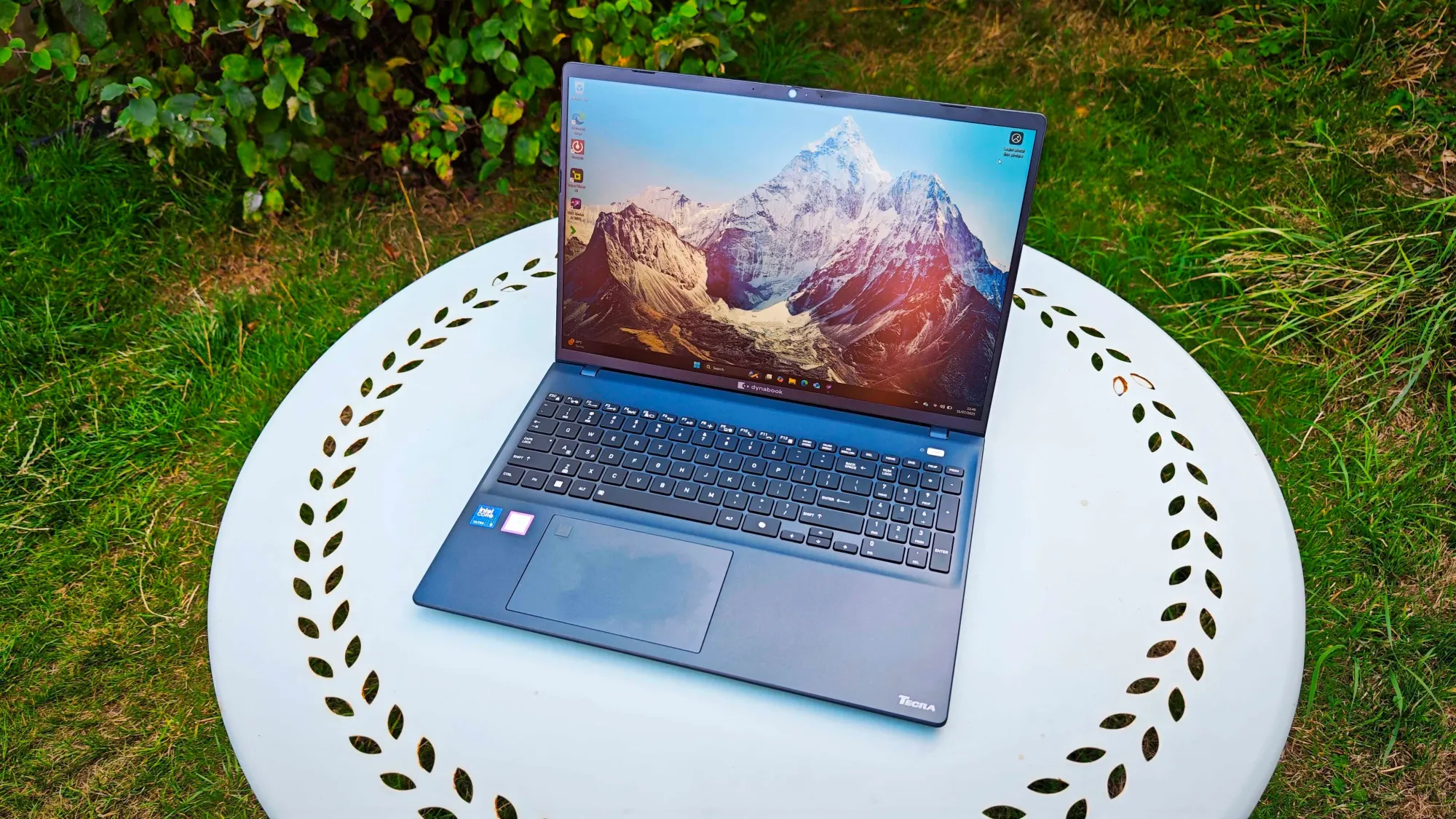
Users working with business applications report generally adequate performance for standard office tasks, but encounter limitations when pushing beyond basic productivity. The Intel Core Ultra processors handle spreadsheets, documents, and video conferencing competently, but owners note noticeable slowdowns during multitasking sessions or when running resource-intensive applications. Several users mention that the laptop's performance doesn't scale well with demanding workloads, particularly when compared to similarly priced competitors.
A significant point of frustration among owners involves the display quality. While the 16-inch WUXGA screen offers sufficient resolution for business use, users consistently report muted colors and poor contrast that make presentations and media consumption less engaging. Many buyers express disappointment that a business-focused laptop at this price point doesn't deliver better visual quality for client meetings and presentations.
The Trackpad Dilemma That Frustrates Daily Users
One of the most common complaints centers on the trackpad experience. Owners describe it as frustratingly imprecise, with many resorting to external mice for detailed spreadsheet work or precise cursor control. Users report difficulty clicking small spreadsheet cells accurately, and several mention that the trackpad feels cheap compared to the overall build quality. This becomes particularly problematic for mobile professionals who rely on trackpad functionality during travel or meetings.
Connectivity and Compatibility Surprises
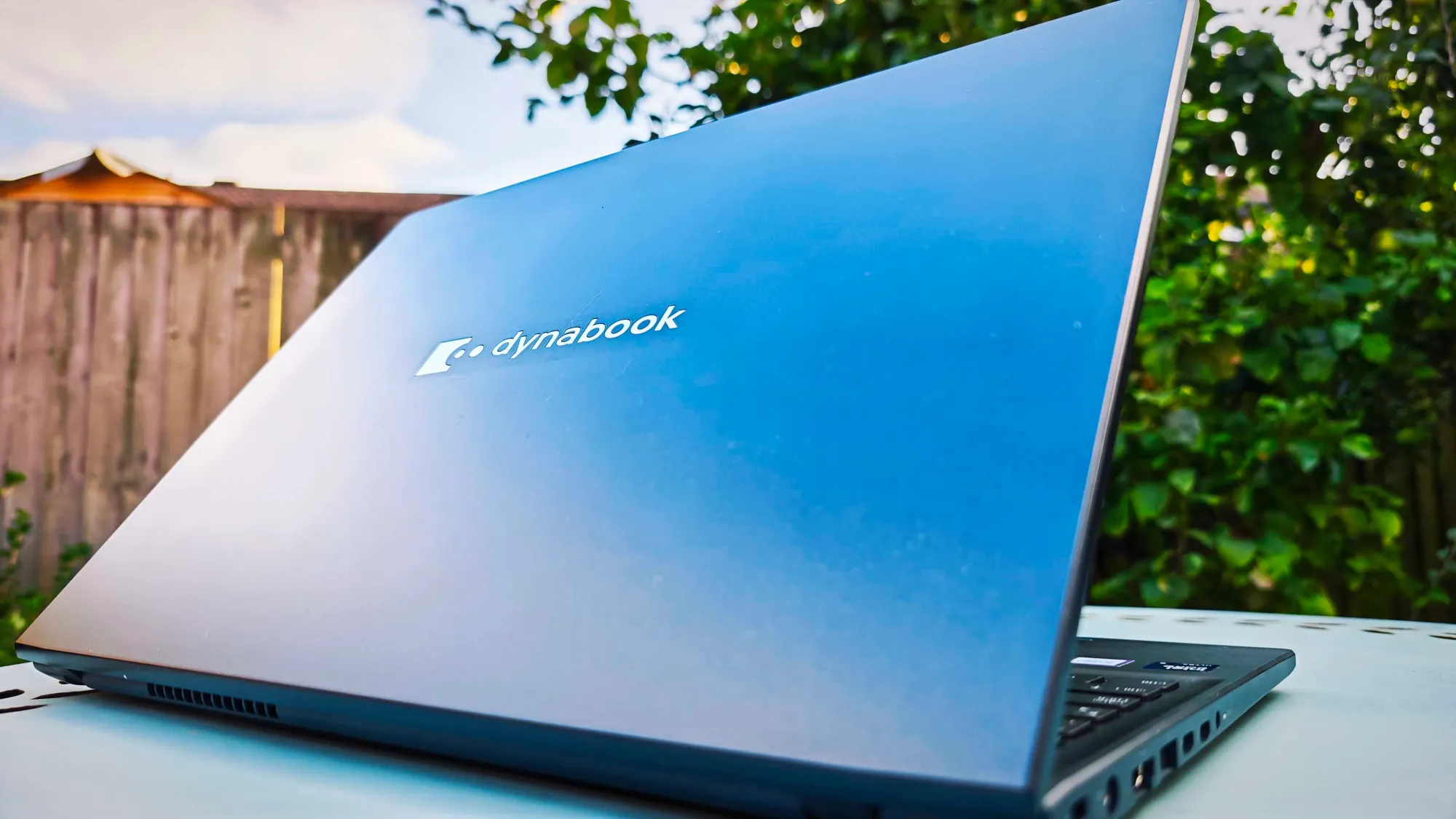
While the laptop boasts comprehensive port selection, users discover some unexpected compatibility issues. Several owners report problems with remote desktop software, particularly experiencing blurry fonts when connecting through certain applications. This creates challenges for IT professionals and remote workers who rely on consistent remote access capabilities. The inclusion of a bulky legacy barrel charger alongside USB-C ports also puzzles users who expected a more streamlined charging solution at this price point.
On the positive side, owners appreciate the security features and business-oriented ports. The TPM security, fingerprint reader, and smart card capabilities receive consistent praise from users in regulated industries. The MIL-STD-810H durability testing provides peace of mind for those who travel frequently or work in demanding environments.
Battery Life and Portability Realities
Users report battery life that generally meets expectations for business use, though some note it falls short of the marketing claims during intensive workloads. The 3.18-pound weight makes it reasonably portable, though owners mention it feels heavier than some competitors with similar specifications. The spill-resistant keyboard proves valuable for accident-prone work environments, with several users sharing stories of minor spills that caused no damage.
The Value Equation: Who Should Consider This Laptop?
Based on user experiences, the Tecra A60-M makes the most sense for specific business scenarios. Users in regulated industries who prioritize security features and durability over cutting-edge performance find it a reasonable choice. IT departments appreciate the replaceable components and serviceability for long-term deployment. However, creative professionals, power users, and those who prioritize display quality or trackpad precision consistently recommend looking elsewhere.
Many owners suggest that the laptop represents better value at lower price points or through business volume discounts. At the standard retail pricing starting around $1,150, users frequently mention they would prefer competing options that offer better displays, more refined trackpads, or superior performance for similar investment.
The User Verdict: Business Tool with Compromises
Overall user sentiment suggests the Dynabook Tecra A60-M serves as a competent business tool with notable compromises. Owners appreciate the security features, durability, and business-oriented design, but consistently mention the display quality, trackpad experience, and performance limitations as significant drawbacks. The laptop finds its strongest advocates among users with specific needs for security certifications, rugged construction, or enterprise manageability features.
For general business users without these specific requirements, many owners recommend exploring alternatives that offer better overall user experience at similar price points. The consensus suggests that while the Tecra A60-M delivers on its core business promises, it falls short in areas that significantly impact daily usability and satisfaction.
This analysis is based on extensive user feedback and owner experiences from online communities, analyzed by TrueViewHub in January 2026. We specialize in aggregating real user perspectives to reveal what products are truly like beyond manufacturer marketing. Our methodology prioritizes actual owner experiences over promotional content.