GeekOM GeekBook X14 Pro: The Ultra-Light OLED Laptop Reality Check
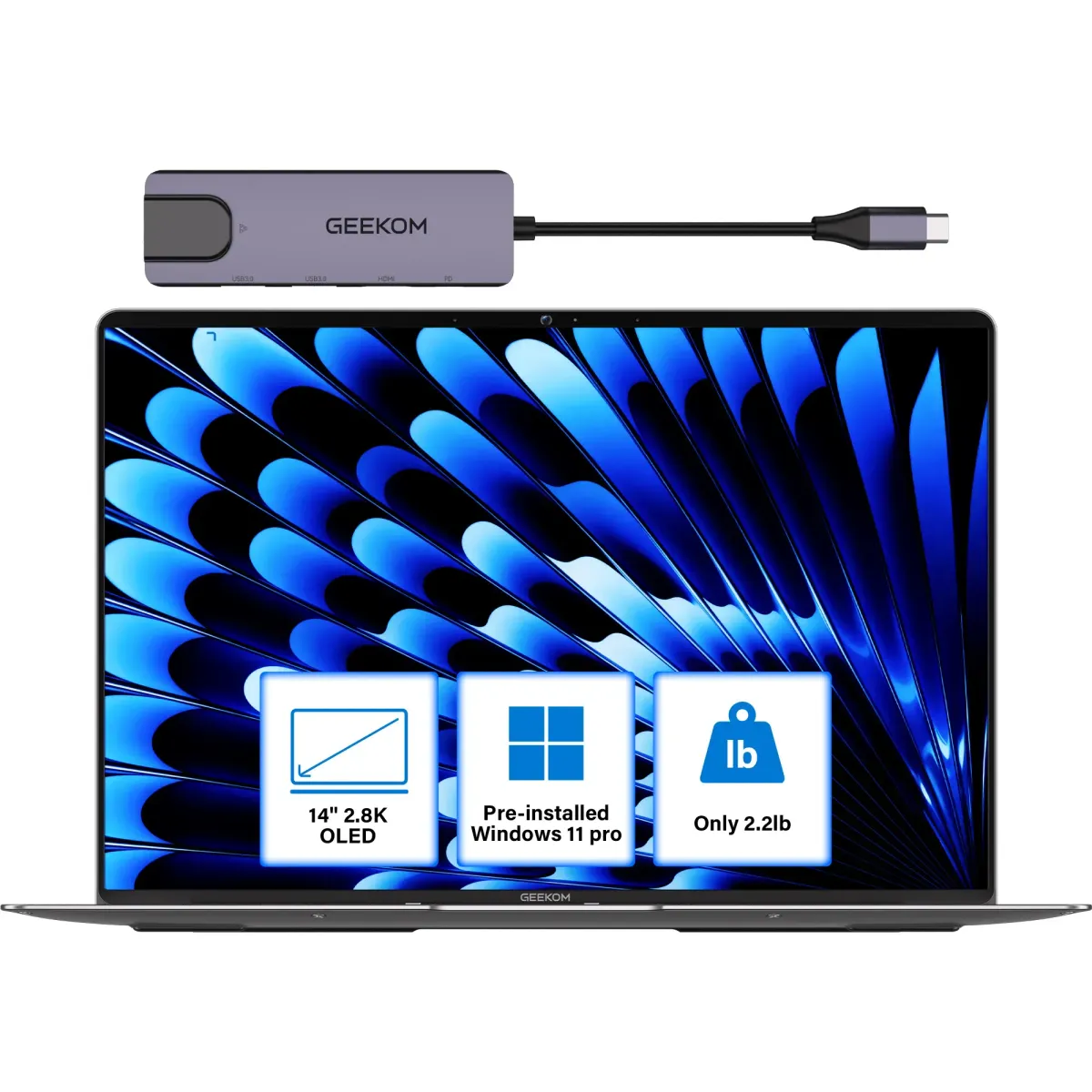
The GeekOM GeekBook X14 Pro arrives with impressive promises - an OLED laptop under 1kg that costs hundreds less than premium alternatives. But what happens when real users take this ultra-light machine home and use it for actual work? Early adopters are discovering both surprises and limitations that specs alone can't reveal.
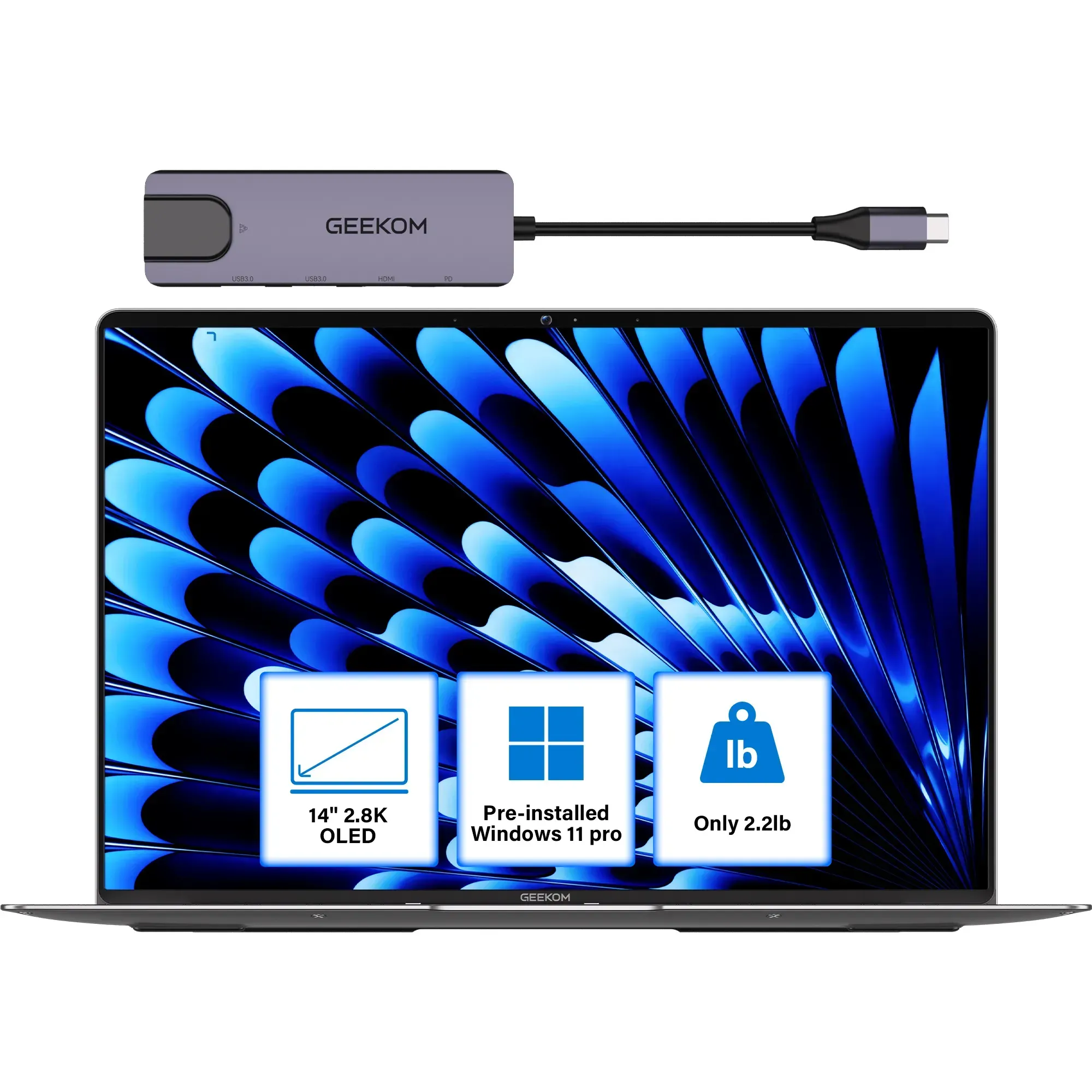
At just 999g, this magnesium alloy laptop feels remarkably light in hand, but that featherweight design comes with trade-offs that won't appear in any product listing. Users consistently report that the 14-inch 2.8K OLED display delivers exceptional color and smoothness at 120Hz, though questions about long-term durability of the panel under daily pressure are already circulating among buyers who use their laptops in backpacks and varying environments.
The Port Selection That Actually Works
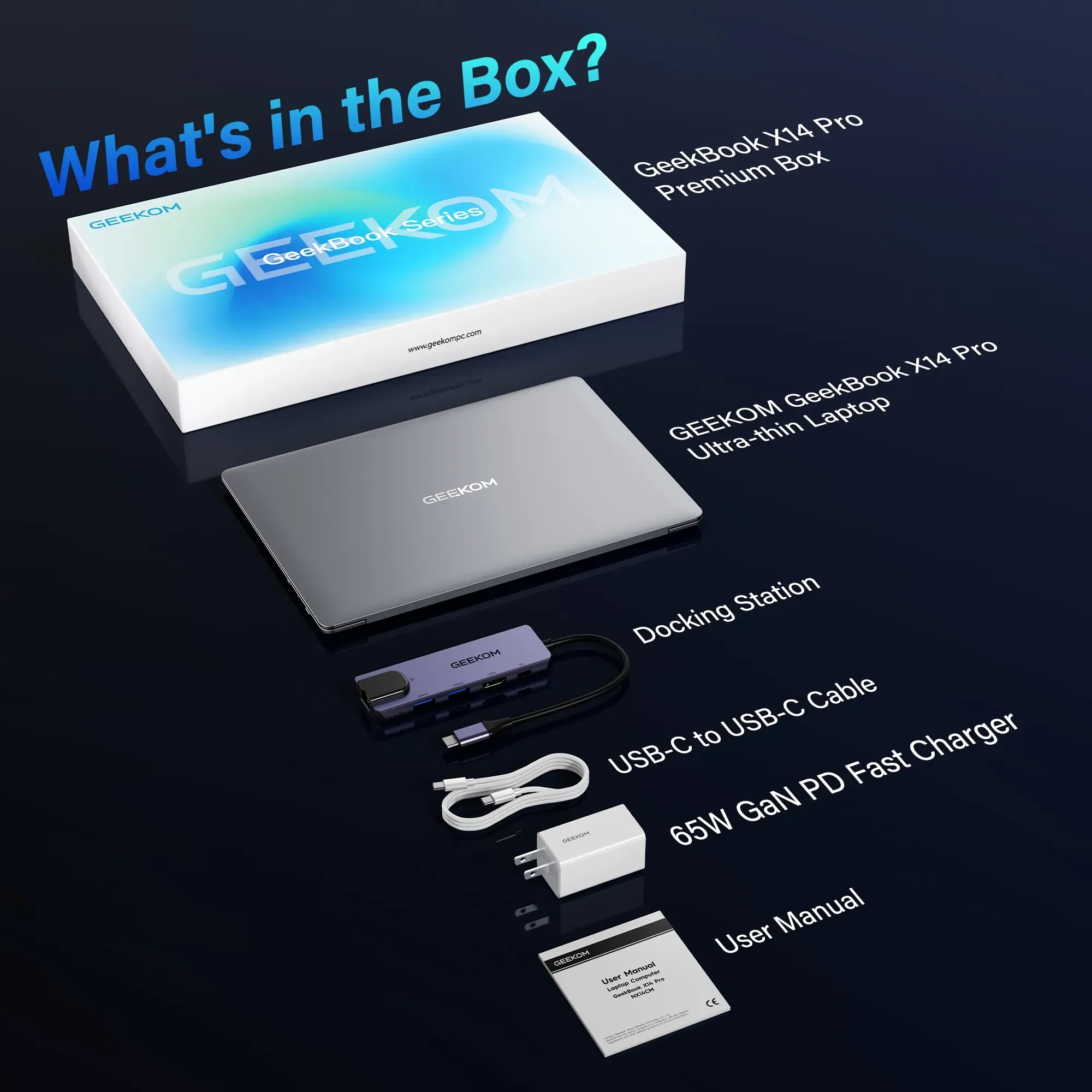
Unlike many ultra-thin laptops that force you into dongle hell, owners report the X14 Pro's port selection is genuinely practical. The inclusion of USB4, HDMI 2.0, USB-A, and a headphone jack means users can connect monitors, peripherals, and external storage without carrying a bag of adapters. Several professionals mention this as the main reason they chose it over more established brands.
However, the 72Wh battery claim of "up to 16 hours" tells a different story in real use. Users doing video calls, browser work, and document editing typically report 8-10 hours before needing to recharge. The included 65W USB-C charger helps - it's small enough to toss in any bag - but heavy users wish for a larger battery or more efficient processors.
The Intel Core Ultra 9 185H configuration performs well for general productivity and light creative work, but thermal limits become apparent during sustained loads. Users notice the fans engage frequently during video encoding or multitasking, and the chassis gets noticeably warm on the bottom. While not unexpected for such a thin design, it catches some buyers off guard who expect complete silence and cool operation.
The Keyboard Experience Divide
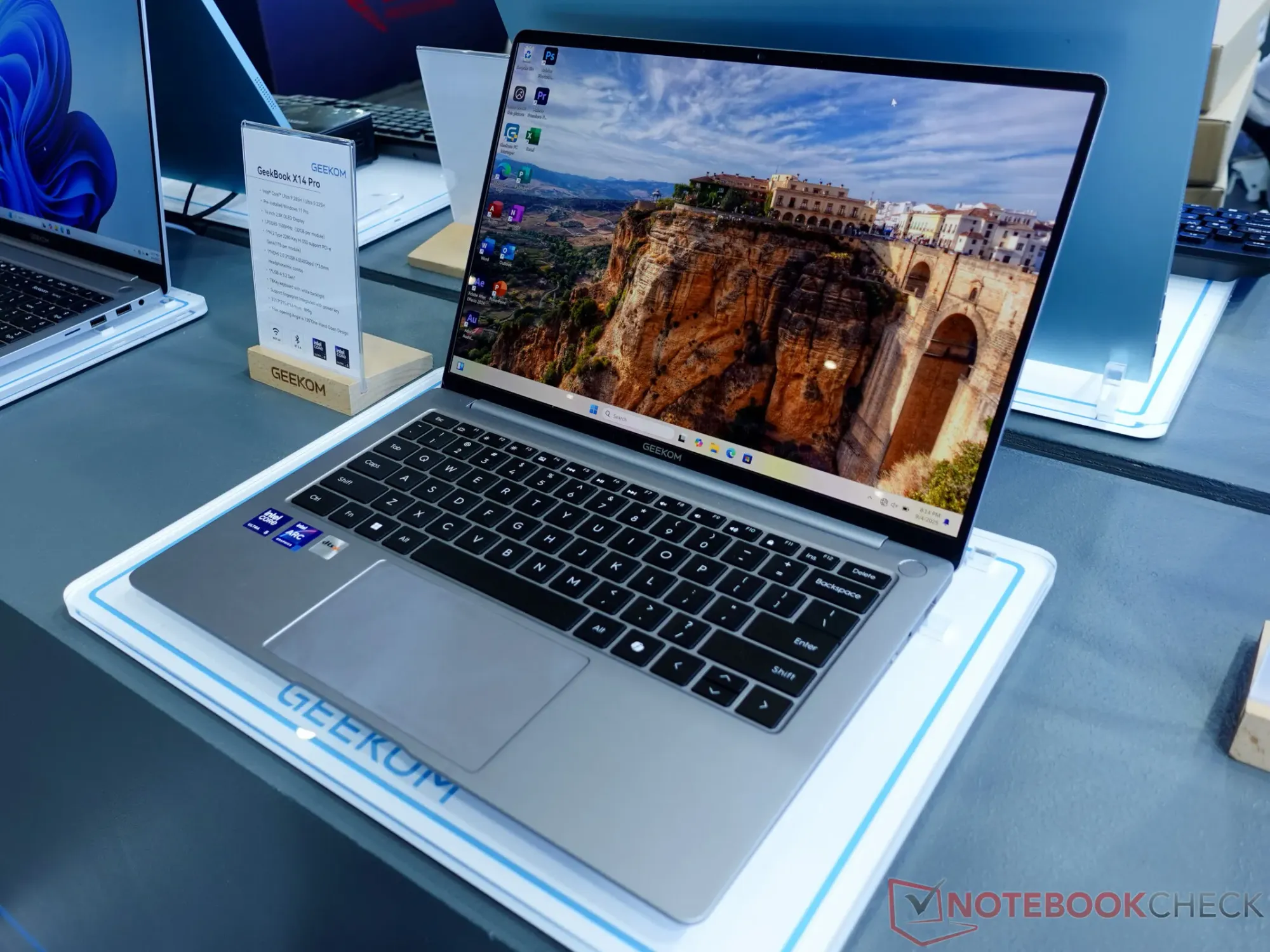
Typing comfort splits opinion among owners. Some appreciate the keyboard's travel and layout for long writing sessions, while others find it fatiguing compared to thicker laptops with more key stability. The backlighting works well in dim conditions, but a few users mention uneven lighting on certain keys after weeks of use.
Build quality feels premium initially - the magnesium alloy resists fingerprints and the hinge feels solid. But extended use raises questions. Owners report minor flex in the deck when typing aggressively, and some worry about how the ultra-thin edges will hold up to accidental bumps and drops that thicker laptops shrug off easily.
Windows 11 runs smoothly on the hardware, though the Intel Arc graphics handle gaming inconsistently. Users find indie games and older titles run fine, but modern AAA games struggle despite the capable processor. For productivity and creative apps, performance holds up well, with the 32GB RAM option eliminating memory bottlenecks for most workflows.
The fingerprint reader integrated into the power button generally works reliably, though some users report it needs multiple attempts when their fingers are slightly damp or cold - a common issue with this type of sensor that becomes more annoying in daily use than expected.
Value Questions Emerging From Real Use
Pricing puts the X14 Pro in a sweet spot between budget brands and premium flagships, but owners are questioning whether this middle ground makes sense long-term. The $1,249 starting price feels fair for the specs, yet some buyers wish they'd spent more on established brands with proven reliability and better support networks.
Warranty and customer service remain unknowns for most users. GeekOM's reputation is still building, and early adopters essentially serve as beta testers. While the hardware feels polished, software bugs and driver issues that typically get ironed out in a product's first months are a real concern for productivity users who need reliability.
The screen's 120Hz refresh rate looks fantastic for scrolling and animations, but drains battery faster than 60Hz mode that many users switch to when traveling. Owners discover this trade-off isn't mentioned in marketing materials - you get smoothness or longevity, rarely both simultaneously.
For college students and mobile professionals who prioritize weight above all else, the X14 Pro delivers exactly what it promises. But users who thought they could get a MacBook Air alternative at half the price are finding compromises in areas like repairability, long-term durability, and accessory ecosystem that Apple and Dell users take for granted.
What becomes clear from actual owner experiences is that this laptop excels as a secondary machine for people who already have powerful desktops, rather than as a primary computer for demanding users. The OLED display and featherweight design create moments of genuine delight, but thermal constraints and questions about long-term build quality temper enthusiasm for power users who push their hardware daily.
This analysis is based on extensive user feedback and owner experiences from online communities, analyzed by TrueViewHub in January 2026. We specialize in aggregating real user perspectives to reveal what products are truly like beyond manufacturer marketing. Our methodology prioritizes actual owner experiences over promotional content.