Plaud NotePin S: The Truth Beyond the Hype
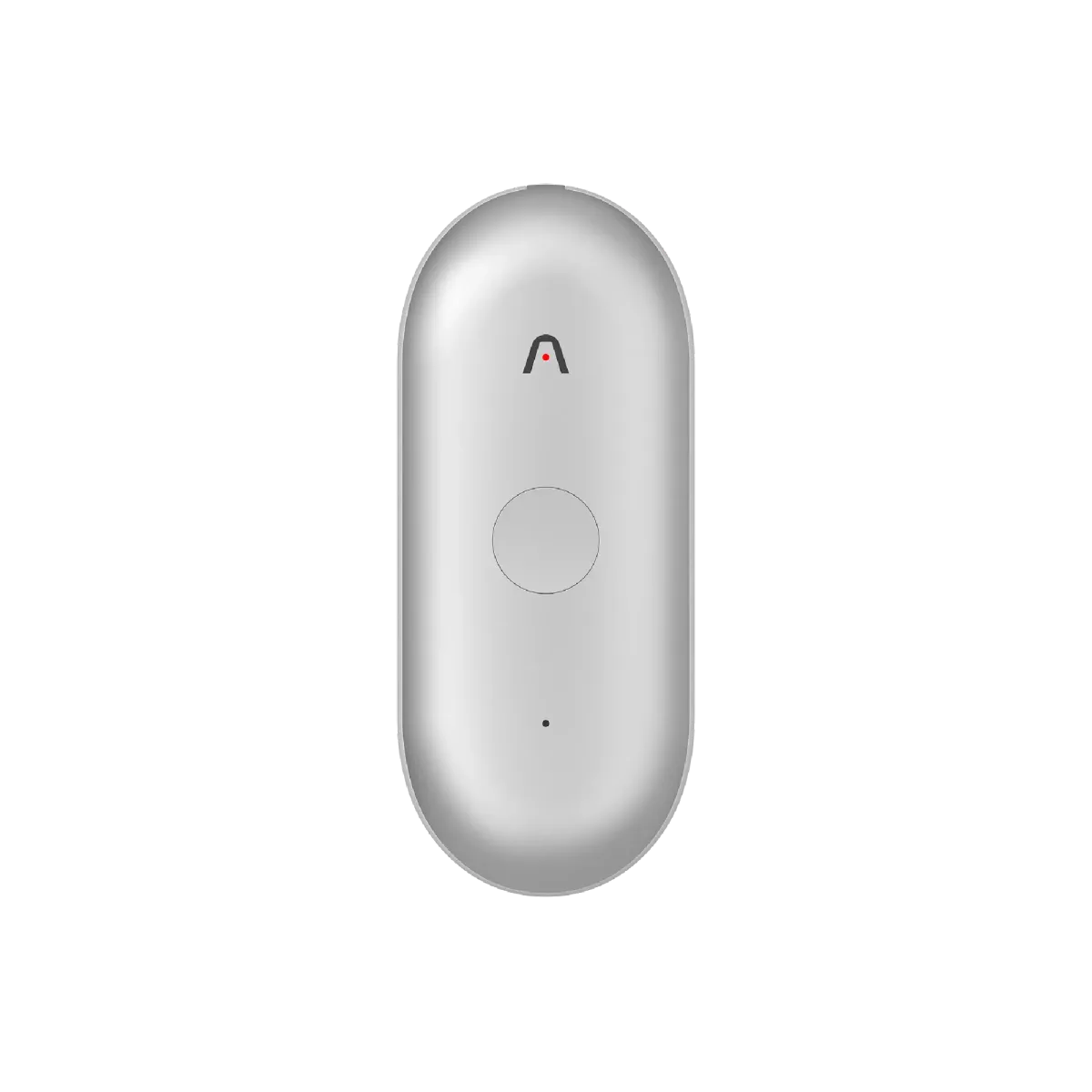
For years, capturing fleeting thoughts and meeting details meant fumbling with a phone or notebook. The promise of a wearable AI note-taker finally landed with the original NotePin, but it had quirks—a haptic button that often missed taps, a battery that could leave you hanging. Owners loved the idea but craved reliability. The new NotePin S from Plaud is the company's direct response to that feedback, replacing guesswork with a physical button and aiming for that elusive, seamless capture. Many buyers hoped this would be the hands-free memory capsule they needed. Long-term owners of the original model report using it daily for ideas and quick notes, but they also mention the frustration of missed recordings when trying to start or stop the device in a hurry. That single design flaw turned a promising gadget into a sometimes unreliable companion for those who need precision.
A Physical Button Changes Everything
Hands-down the most significant upgrade users report is the switch to a tactile record button. One longtime user of the previous model notes the difference is night and day: "The button is instant. You press it, you know it's started. No more wondering if you got the haptic feedback." This change eliminates the primary pain point for professionals in fast-paced environments like interviews or back-to-back meetings. A short press now highlights key moments, adding context that the AI can later prioritize in summaries and mind maps—a feature many find indispensable for flagging important insights without breaking the conversation flow.
Weight and Wearability
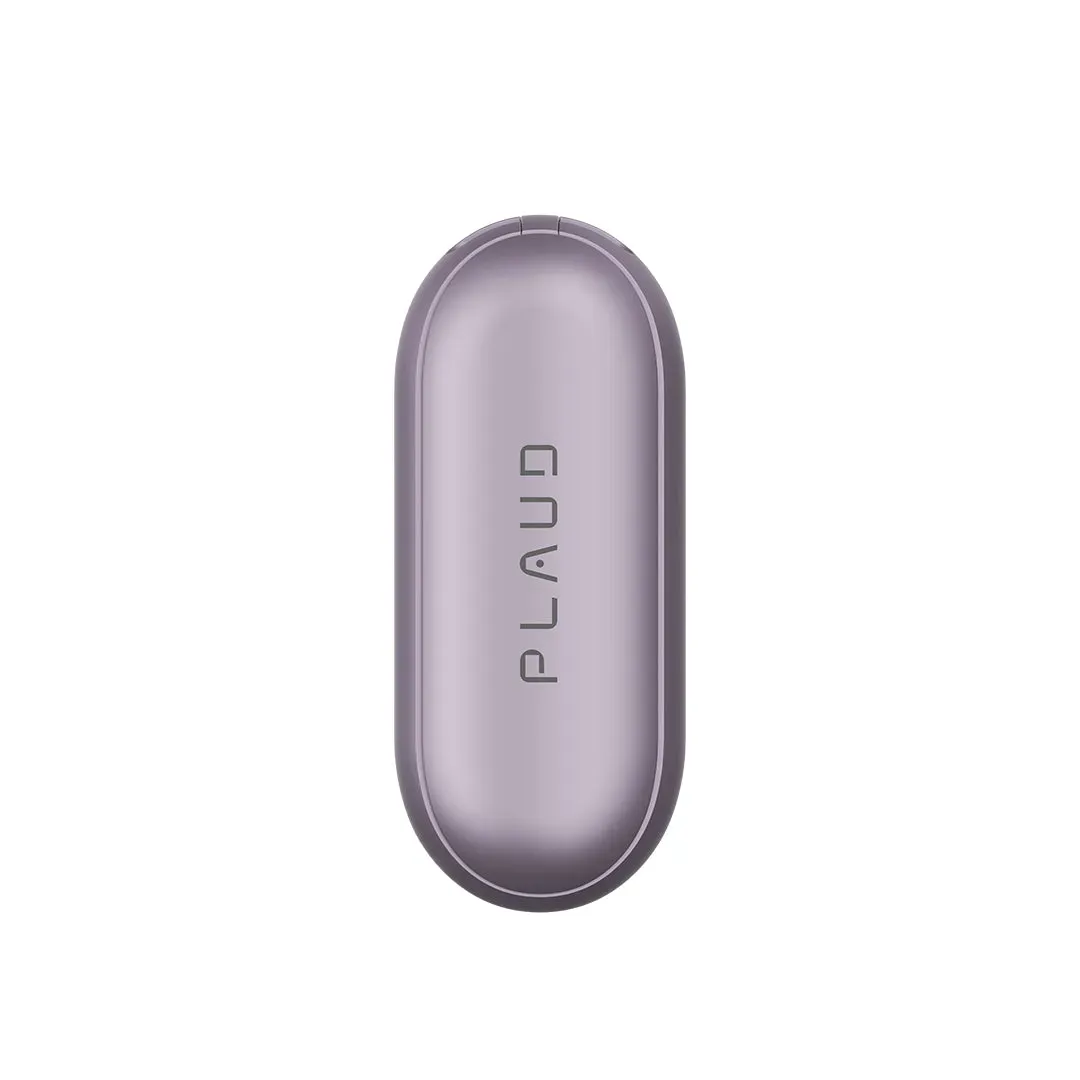
At just 17.4 grams (0.61 ounces), the device is barely noticeable clipped to a collar or worn on a lanyard. Users who wear it for entire workdays mention forgetting it's there until they need it. The range of accessories—magnetic pin, clip, lanyard, wristband—lets people find a method that fits their lifestyle. A consultant shared that the clip-on style works perfectly for the daily commute, staying secure without pulling on fabric or feeling bulky in a pocket. The compact size (about two inches long) also means it doesn't draw attention in meetings or public spaces.
Transcription Quality and Language Support
The AI inside is powered by models like GPT-4o and Claude, handling transcription in over 110 languages. Users praise its accuracy in quiet settings and clear speech, with one owner stating it handled a multi-language technical discussion surprisingly well. However, real-world experiences also show limits. Noisy environments—like a bustling café or a conference hall with multiple speakers—can lead to errors. One frequent note-taker mentioned a specific frustration: "It caught the gist but missed a key technical term. I had to listen back to the recording anyway." Speaker labeling works reliably for recordings under three hours, which covers most meetings, but longer sessions require manual review. The app's "Ask Plaud" feature is a hit for quick queries—"What were the three main action items?" or "What did I say about the Q2 deadline?"—pulling answers directly from your notes. Many users describe it as a second brain, helping retrieve details days later. But this functionality sits behind a subscription after the free 300 monthly minutes. A significant portion of owners feel the ongoing cost for extended minutes or advanced AI features is a drawback, especially after the $179 hardware investment.
Battery Life and Daily Reliability
With 20 hours of continuous recording and over a month of standby, the battery holds up for demanding schedules. One user recorded an entire three-day conference on a single charge, with minimal charging needed in between. The 64GB of local storage means you can capture months of conversations without worrying about space. When you do need to charge, the included dock takes about two hours, and you can even upload recordings while it's charging, which keeps you from being offline. Users note one practical consideration: the device charges via a proprietary dock, not a standard USB-C plug on the unit itself. This means you always need the dock, which some find slightly less convenient for on-the-go top-ups. A common tip from owners: keep the dock plugged in at your desk so you can drop it in between meetings.
The Subscription Question
Here's where real-user opinions divide sharply. The free plan provides 300 minutes of transcription per month—enough for casual users or those who take brief notes. But for professionals with back-to-back meetings or heavy note-taking, that ceiling hits quickly. The Pro and Unlimited plans add more minutes and advanced features like extended speaker labeling and priority processing. Many owners accept the subscription as the cost of doing business with a specialized AI device, comparing it to paying for cloud storage or productivity apps. Others see it differently. One review called the model "a hardware lock-in to a monthly fee," suggesting that basic transcription feels like a service that should be included. The reality is that the AI processing happens on their servers, and the subscription funds that. For budget-conscious users, this can be a deal-breaker, leading them to seek alternatives or stick with the free tier's limits.
What Owners Wish Worked Better
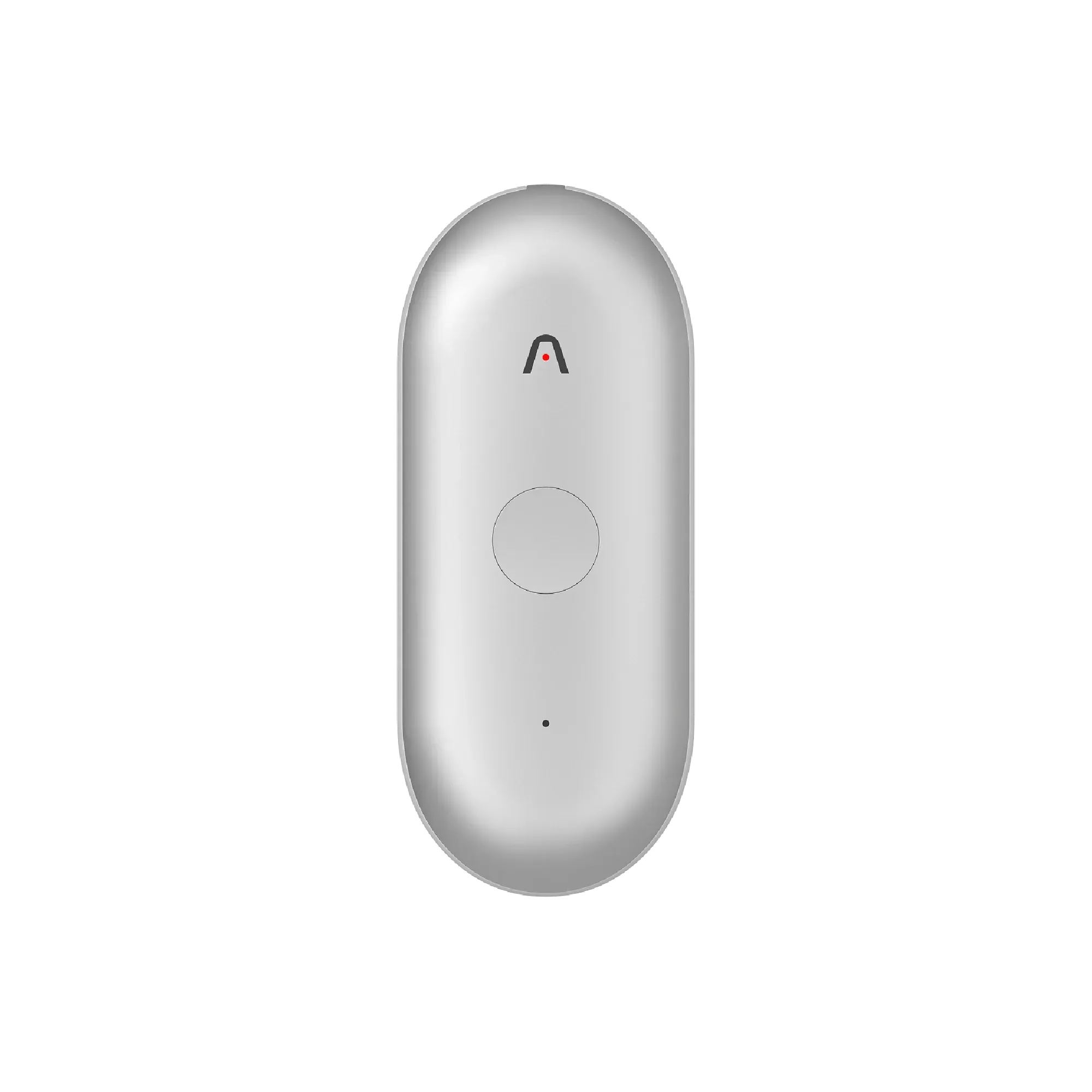
Even happy users point out specific limitations. The most common complaint involves the app and syncing. Uploading recordings to the app for AI processing can be slow, especially on slower networks, and a few experienced crashes that required restarting. While the app handles basic tasks well, deeper integration with other tools like Note, Evernote, or Slack requires manual exports or workarounds. For a device aimed at streamlining workflow, this lack of seamless connection is a noticeable gap. Another frequent note is about audio quality. In controlled, quiet settings, the dual MEMS microphones capture clear audio. But in louder environments, the quality drops to what users describe as "phone voice memo level." A freelancer who uses it for interviews found the recordings perfectly usable but noted that for critical sessions, they still used a dedicated recorder for backup. The device's 3-meter pickup range is suitable for typical meetings but struggles with large, open spaces or multiple conversations happening simultaneously. Privacy is a quiet concern among a small subset of users. While Plaud emphasizes encryption and compliance with standards like GDPR, some owners admit they'd feel more comfortable with a local-only processing option. The current model relies on cloud AI for most smart features, which isn't for everyone.
Who Should—and Shouldn't—Buy It
Based on aggregated user experiences, the NotePin S shines for specific profiles. It's a strong fit for consultants, executives, and students who need to capture unstructured thoughts or meetings hands-free. The combination of long battery life, reliable physical controls, and AI summaries turns it into a personal assistant. Users in creative fields—writers, researchers, designers—also appreciate the highlight feature for marking spontaneous ideas during walks or commutes. Conversely, it's less suited for those in very noisy, unpredictable environments or anyone unwilling to pay for a subscription. If your needs are basic—recording a weekly call or a few minutes of notes—the free tier might suffice, but the device's value diminishes. Budget-focused buyers might compare it to simply using their phone's voice memo app with a transcription app, which lacks the seamless wearable aspect but costs nothing extra. For those considering competitors, the original Plaud NotePin (at $159) offers similar features with a haptic button and lighter weight but smaller battery. Dedicated voice recorders from brands like Sony offer better audio quality but no AI smarts. Smartphones with apps like Otter.ai provide transcription but no dedicated hardware or physical button for instant highlights.
This analysis is based on extensive user feedback and owner experiences from online communities, analyzed by TrueViewHub in January 2026. We specialize in aggregating real user perspectives to reveal what products are truly like beyond manufacturer marketing. Our methodology prioritizes actual owner experiences over promotional content.