Plaud NotePin S: The Wearable AI Recorder Users Actually Trust
For professionals drowning in meetings, interviews, and on-the-go ideas, the hunt for a truly helpful capture tool has been a long, frustrating journey. Users who’ve tested a wave of AI wearables report one constant disappointment: gadgets that promise seamless note-taking but end up buried in drawers after a few weeks. The Plaud NotePin S emerged from this landscape with a simple question from actual buyers: Does it actually make your life easier, or is it just another piece of tech to charge and forget? After weeks of hands-on use by owners, the answer is shaping up to be one of the most honest assessments in the wearable AI space.
The Physical Reality of Daily Wear
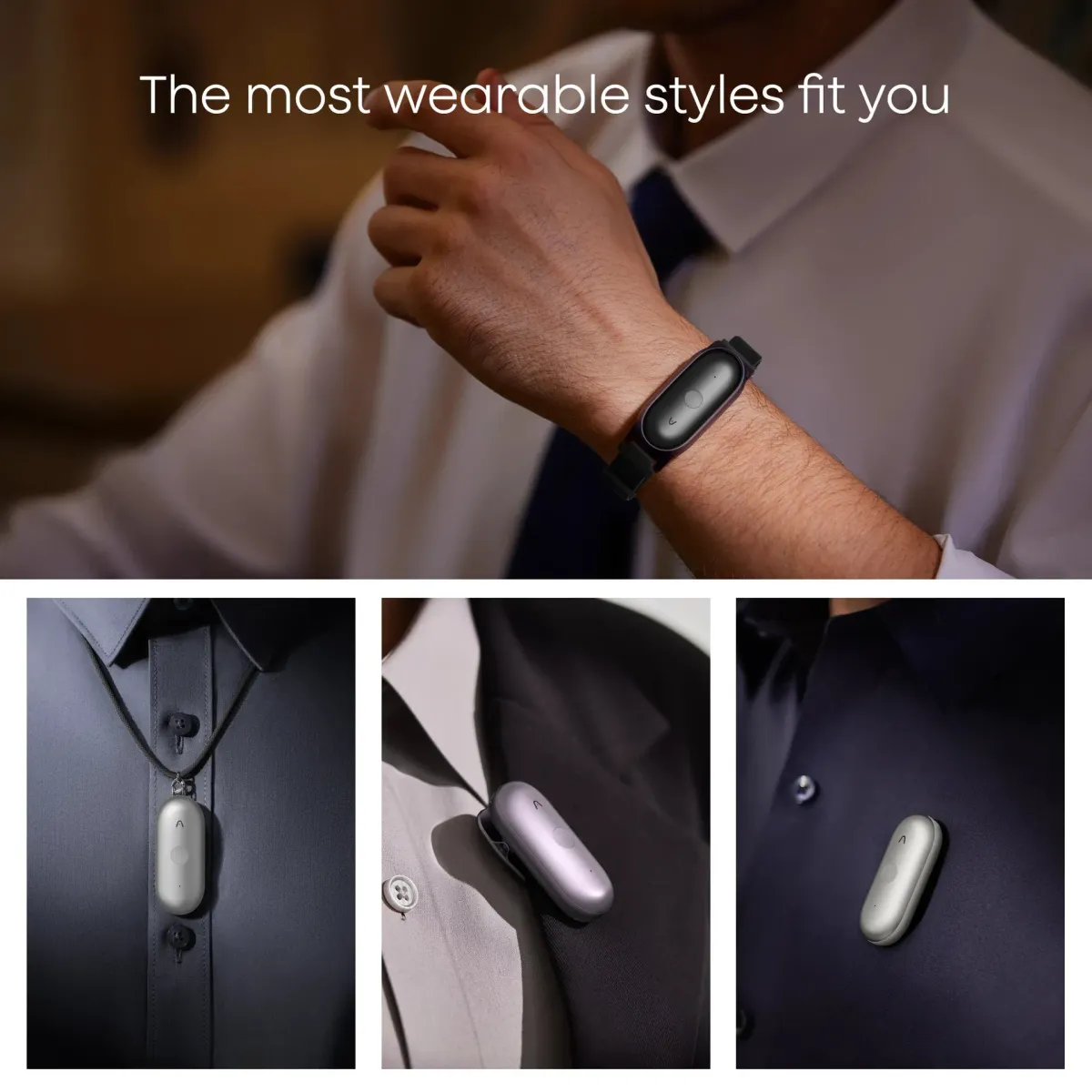
First impressions from owners center on a design that genuinely disappears in your daily life. Unlike bulkier predecessors, the NotePin S weighs less than a standard set of keys, and users consistently note how quickly they forget it’s clipped to their collar or shirt. This isn’t just about weight—it’s about a form factor that finally respects real-world movement. A frequent complaint with earlier wearable recorders was how they snagged on clothing or shifted during commutes. The NotePin S’s magnetic clip and optional wristband system solve this, with users reporting it stays put through everything from running errands to skateboarding sessions, where older models would have flown off.
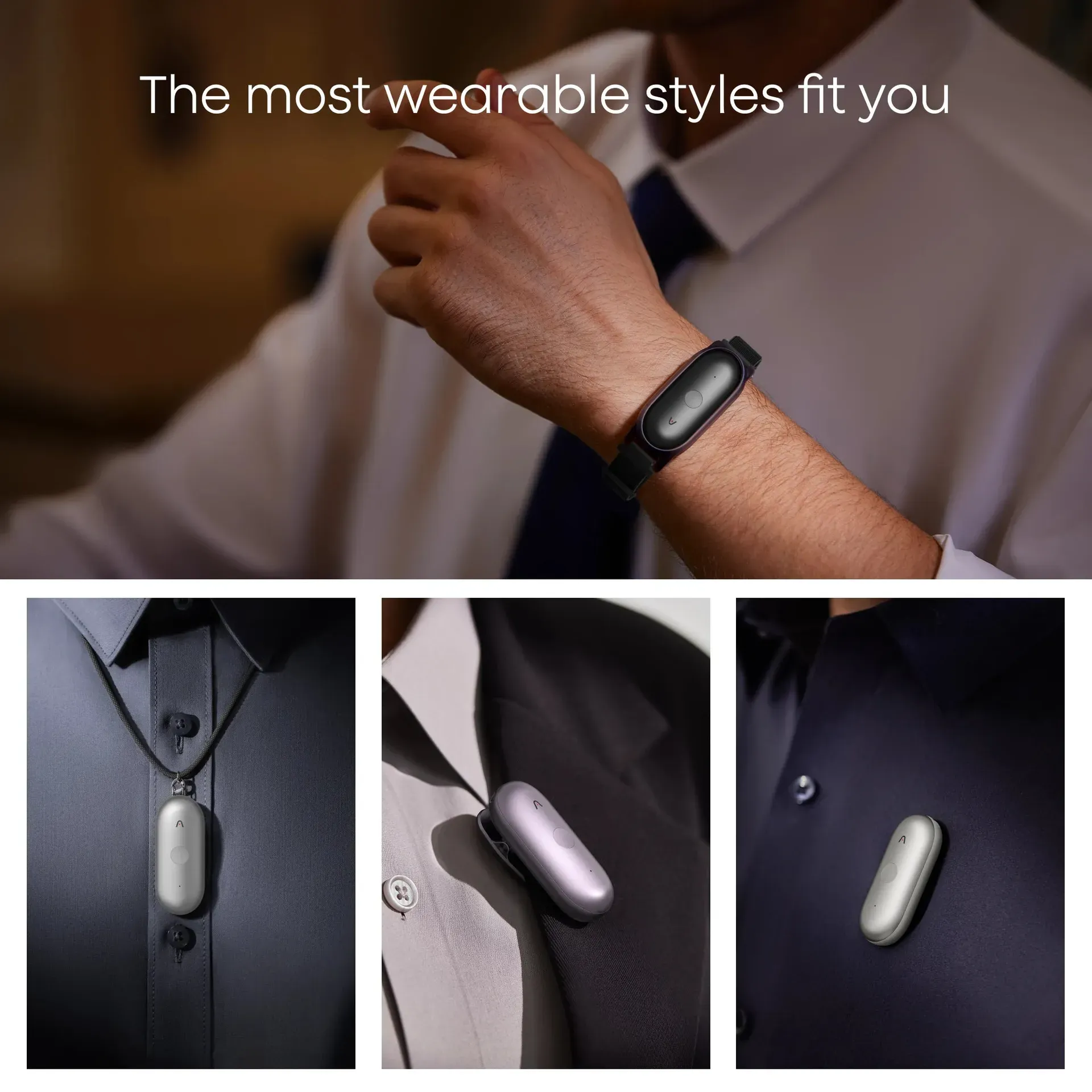
However, the included wrist strap proves to be a weak point for some owners. A notable number report it feeling less robust than the rest of the device, with concerns about long-term durability during active use. This is the kind of detail that only surfaces after weeks of real ownership, not in initial unboxing videos.
When the Button Actually Matters
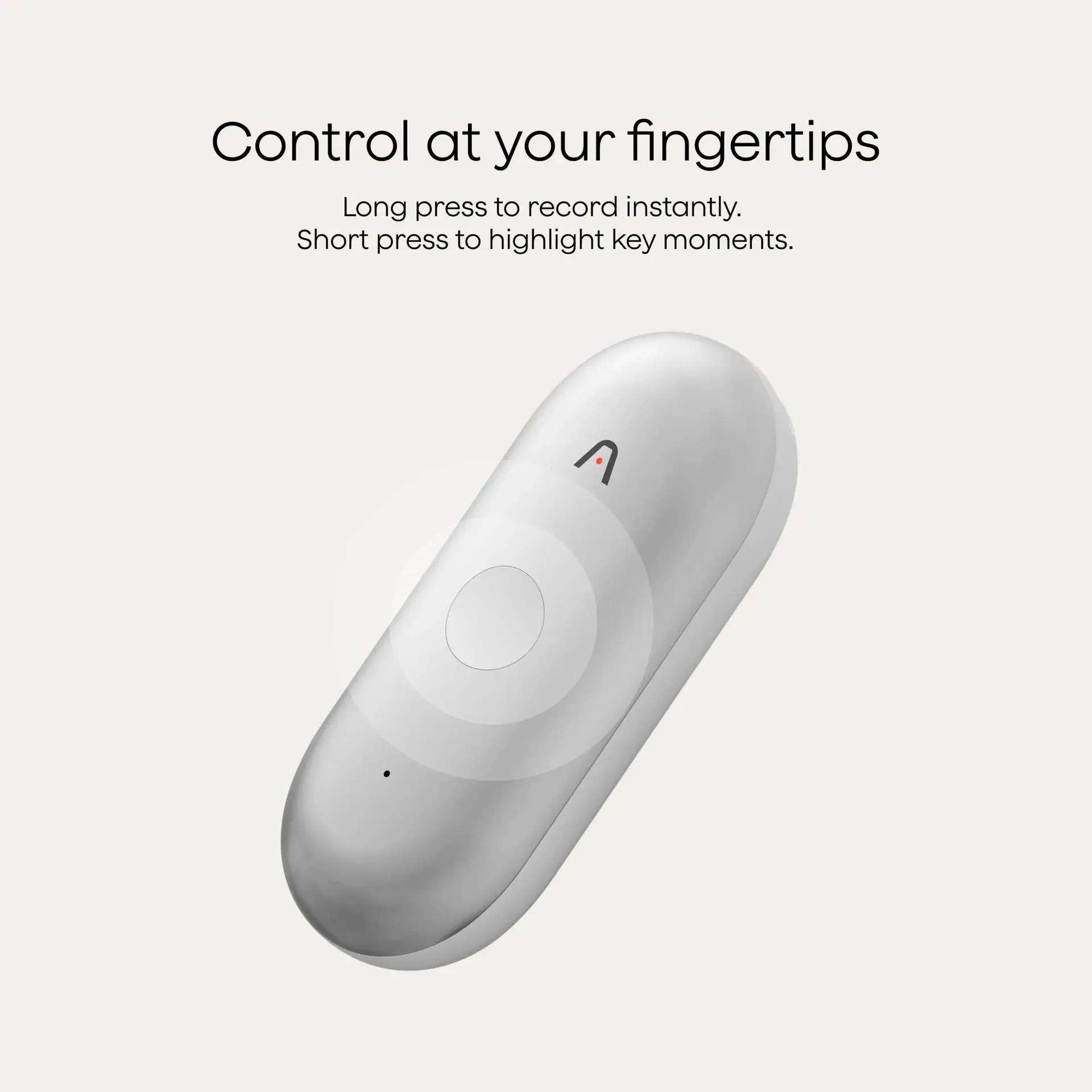
The single physical button is where the NotePin S distinguishes itself from purely app-based recorders, and user experiences here are revealing. Marketing emphasizes a "press to highlight" function, but owners describe a more nuanced reality: the button provides tactile feedback that confirms a recording is active, which eliminates the anxiety of wondering if you’ve actually started capturing. This matters more than you’d think—many users previously relied on smartphone apps where a mis-tap could stop a recording mid-interview.
The physical button also addresses a critical flaw in its predecessor. Earlier pressure-sensitive controls were notoriously easy to trigger accidentally, leading to drained batteries from hours of unintentional recordings. Owners of the NotePin S report significantly fewer phantom recordings, though some still experience occasional battery drain from the device recording in a pocket or bag. The consensus is clear: the physical button is a meaningful upgrade that users actually notice in daily use.
The Hidden Limits of "Unlimited" Recording
Behind the 20-hour battery life and 64GB local storage lies a constraint that catches some owners off guard. While the hardware can physically record all day, the AI transcription and summarization features operate under a monthly minute cap. Free users get 300 minutes per month—roughly five hours of recordings. For casual note-takers, this is sufficient. For professionals in back-to-back meetings, it runs out faster than expected.
This subscription model is the most divisive aspect among buyers. Some appreciate the tiered pricing as a fair way to scale with usage, while others resent what feels like a hidden cost. The free 300 minutes often serve as a trial by fire: if you need more, you’re forced into a recurring expense. This creates a split in the user base—those who use it sparingly feel they’re getting great value, while power users watch their monthly minutes evaporate mid-project.
What the Transcription Actually Gets Right (and Wrong)
Owners who expected perfect, real-time transcription were initially disappointed, but their opinions shifted with extended use. The NotePin S doesn’t transcribe in real time on the device; instead, it uploads audio to the cloud for processing. Users report this results in higher accuracy than on-device transcription in competing products, especially in complex acoustic environments.
The real surprise for many owners is the AI’s ability to handle multiple speakers. While not perfect, it correctly labels speakers in single-language meetings with surprising consistency. However, users frequently mention that multi-language conversations or rapid speaker changes can confuse the system. One user noted that a meeting with three people switching between English and Spanish produced “accurate but disjointed” transcripts, requiring manual cleanup later.
Another unexpected discovery by users: the transcription works best when recordings are under three hours. Beyond that, the AI’s ability to label speakers and generate structured summaries degrades significantly. This isn’t advertised—it’s a limitation owners discover the hard way when a long interview produces a wall of text instead of an organized summary.
Comparisons Users Actually Make
Most buyers don’t arrive at the NotePin S in a vacuum. They’ve tried smartphone voice memos, free transcription apps, or even the previous Plaud Note. For those upgrading from the Note, the trade-offs are clear: they lose two microphones and a visible recording light, but gain a form factor they can wear without feeling conspicuous. For many, the discretion of the NotePin S outweighs the slightly better audio pickup of its larger sibling, especially in professional settings where a visible recorder might make interviewees uncomfortable.
Compared to phone-based solutions, users consistently report two advantages: the NotePin S is always ready (no fumbling with apps), and its close-range microphones produce cleaner audio in noisy environments. However, owners who work in large meeting rooms or panel discussions note that the single-directional microphones can’t compete with dedicated lav mics for picking up distant speakers.
Who Should Actually Buy This?
User recommendations split into two clear camps. The NotePin S is praised by: professionals in field work who need to capture notes without pulling out a phone; interviewers who value the simplicity of a single button over app menus; and anyone tired of relying on smartphone apps that drain battery and require constant attention.
But a significant portion of buyers advise against it for specific use cases. Content creators who record high-quality audio for podcasts will find the NotePin S’s output acceptable for transcription but not for production. Researchers working in multi-language environments report the transcription accuracy drops below useful levels. And anyone expecting a true "always-on" life-logger will hit the cloud processing limits immediately—the device is designed for sessions, not surveillance.
Long-Term Value Emerges from Unexpected Places
After weeks of ownership, the most common positive feedback doesn’t come from the headline AI features, but from smaller, daily discoveries. Users appreciate the vibration feedback that confirms a recording started—a tiny detail that prevents anxiety. The ability to tag key moments mid-recording with the button helps when you can’t stop to make notes. And the companion app’s ability to create mind maps from transcripts has become a hidden favorite for project planning.
Conversely, long-term concerns center on durability and ecosystem lock-in. The physical button is praised now, but owners wonder about its longevity after thousands of presses. More significantly, the device is completely dependent on Plaud’s cloud infrastructure. If the service changes or disappears, the local 64GB of audio becomes just unsearchable files—a risk many tech-savvy users acknowledge but accept for the current convenience.
The Honest Verdict from Owners
For all the complexity, user consensus points toward a device that delivers on its core promise when used within its limits. The NotePin S won’t replace a professional note-taker or a dedicated transcription service, but for capturing meetings, interviews, and moments when your hands are occupied, it proves surprisingly reliable. The subscription model remains a hurdle, and the hardware has clear boundaries around audio quality and processing length, but the seamless physical design wins over many who expected to abandon it within a month.
The final assessment from users isn’t about the AI being magical—it’s about a tool that respects the user’s time and attention in a way that most wearables fail to achieve. It’s not perfect, but for those whose days are full of conversations worth remembering, it might be the most honest tool they’ve tried yet.
This analysis is based on extensive user feedback and owner experiences from online communities, analyzed by TrueViewHub in January 2026. We specialize in aggregating real user perspectives to reveal what products are truly like beyond manufacturer marketing. Our methodology prioritizes actual owner experiences over promotional content.