The Satechi Slim EX1: A $50 Keyboard With One Glaring Flaw Most Buyers Miss
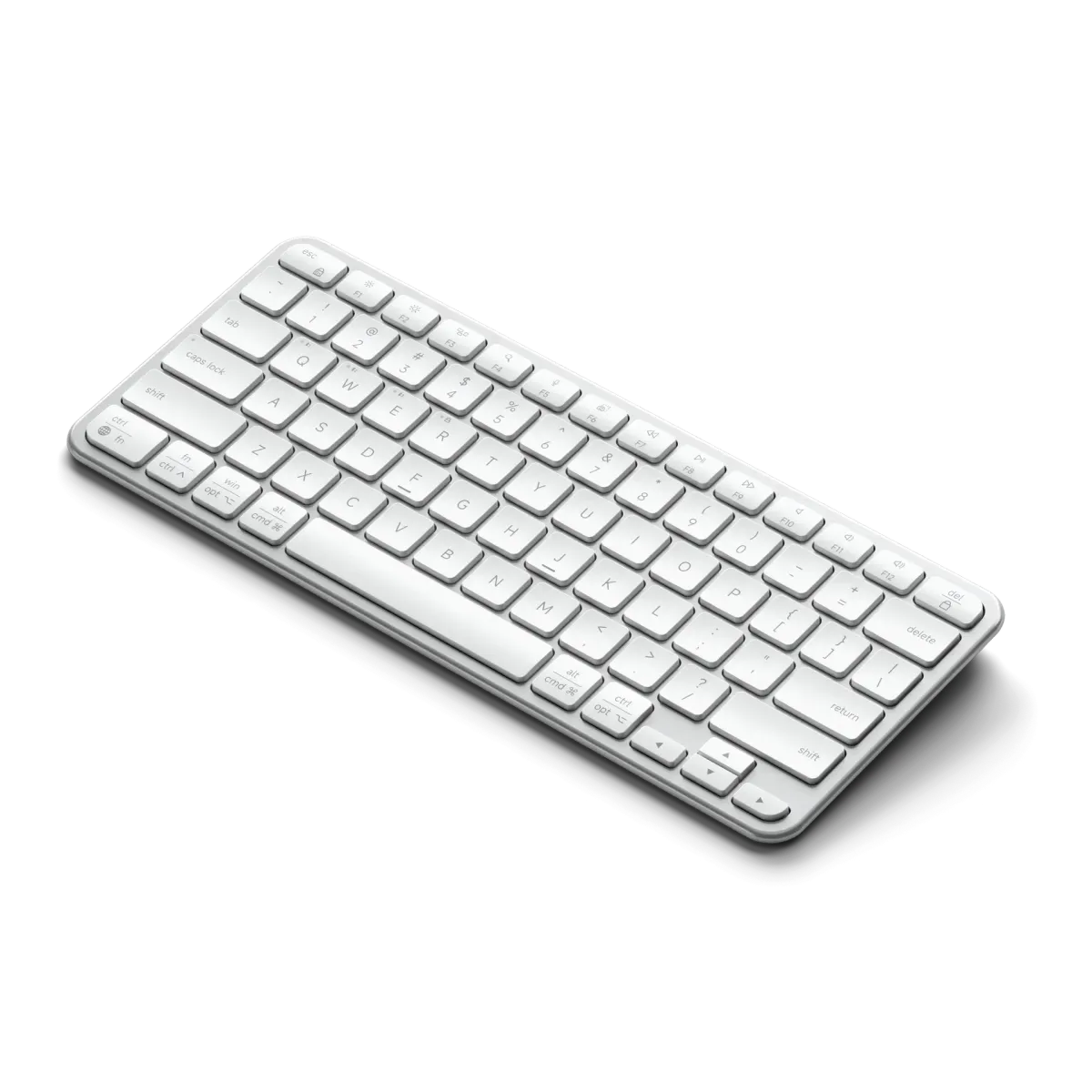
When Satechi launched the Slim EX1 keyboard at CES 2026, the specs looked almost too good to be true. At just under $50, you got four-device connectivity, a removable battery, and a sleek aluminum design that matches Apple's aesthetic. But owners who've bought and used this keyboard over the past few weeks have discovered a reality that doesn't quite match the marketing hype.
Across countless setups, a consistent theme emerges: the keyboard promises seamless multi-device switching and quiet, reliable performance, yet users report it falls short in everyday scenarios. The EX1 aims to be a universal desk companion for Mac, Windows, and tablet users, but many owners find it struggling with the very tasks it was designed for.
The Multi-Device Dream That Turns Into a Nightmare
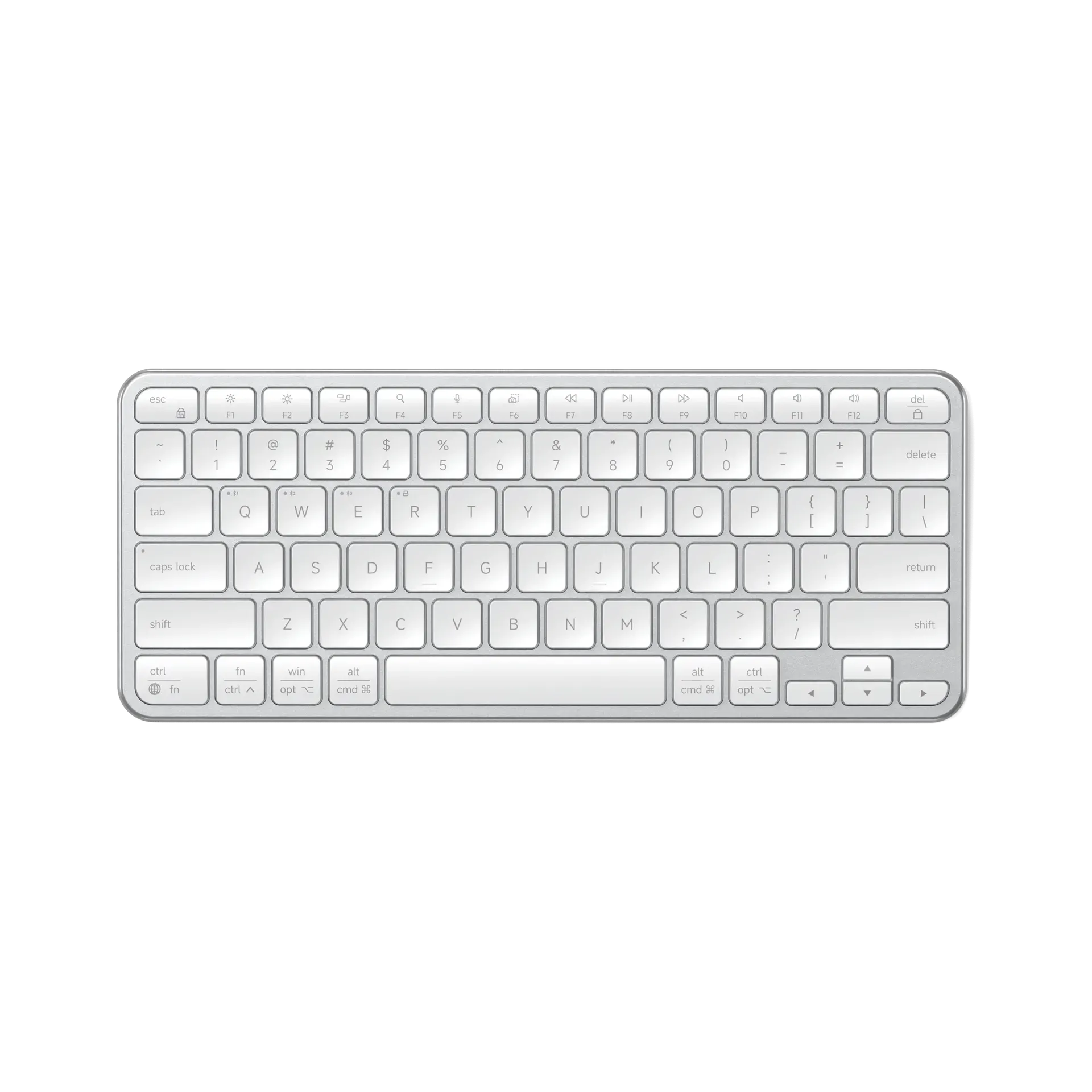
The EX1's core selling point is its 4-in-1 connectivity—three Bluetooth channels plus a 2.4GHz dongle. In theory, this lets you pair it with a MacBook, a Windows PC, an iPad, and a phone, switching between them instantly. However, owners consistently report that the Bluetooth connection isn't nearly as robust as advertised.
Multiple users describe random disconnections after just a few seconds of inactivity, especially when the backlight is enabled. One owner noted that their keyboard would disconnect so frequently with a Mac Mini M1 that it became unusable for work, forcing them to move their mouse and keyboard to within a foot of the computer just to maintain a stable signal. Another found that switching between devices was hit-or-miss, with the keyboard sometimes refusing to reconnect to a Windows PC after being used with a Mac for a short period.
Even those who successfully pair multiple devices report that the transition isn't as smooth as competitors like Logitech's MX series. The keyboard requires a manual button press to cycle through channels, which isn't as intuitive as the dedicated switch found on more expensive models.
The Battery Design That Outlasts Its Own Reliability
One of the EX1's most praised features on paper is the removable 450mAh battery, marketed as compliant with future EU regulations. Owners appreciate the ability to swap batteries, but they've discovered a significant drawback: the battery-saving sleep timer is overly aggressive.
Users report the keyboard entering sleep mode after as little as 1-3 minutes of inactivity. This wouldn't be a major issue if reconnection was instant, but owners find they have to press multiple keys to wake the keyboard, sometimes breaking their workflow rhythm. For a keyboard designed for professional use, this constant interruption proves irritating. The backlight, when enabled, drains the battery faster and contributes to the disconnects, making it a feature many owners turn off entirely.
The USB-C charging is convenient, but the battery life claim of "up to 5 weeks" holds only if you use the keyboard sparingly. For heavy users who type all day, the real-world battery life is closer to 3-4 weeks before needing a recharge—a reasonable duration, but not the exceptional performance some had hoped for.
A Typing Experience That Divides Owners
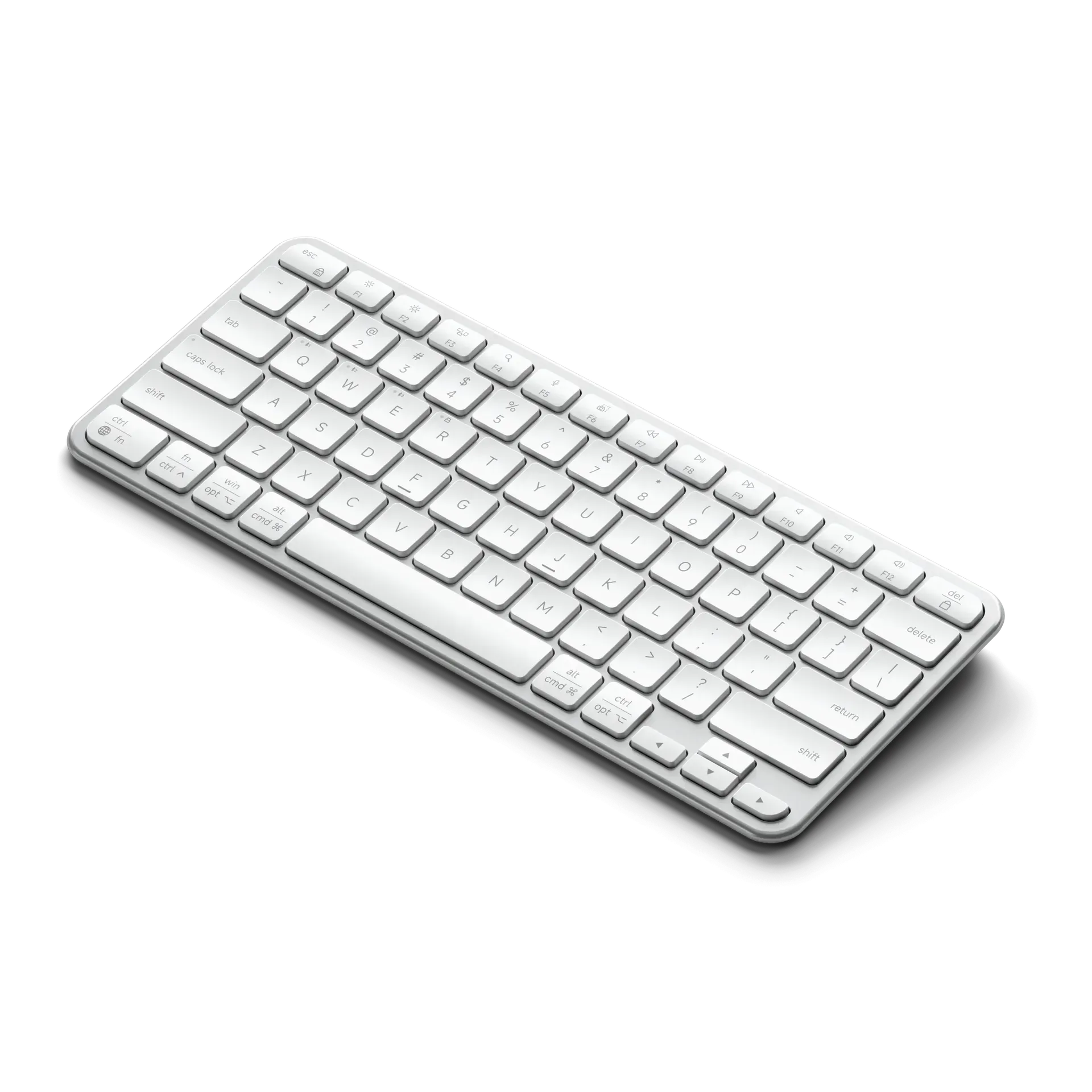
The EX1 uses precision scissor-switches, marketed as providing a calm, quiet typing experience. For the most part, owners confirm that the keyboard is indeed quieter than mechanical alternatives, which is appreciated in office environments or during Zoom calls. However, the typing feel itself is a point of contention.
Many buyers who expected the EX1 to mimic the sharp, tactile feedback of Apple's Magic Keyboard find themselves disappointed. The keys feel softer and more forgiving, with a slightly deeper travel that some describe as "mushy" or less precise. This isn't a deal-breaker for casual typing, but users who spend hours writing report that it becomes fatiguing over time, especially for those accustomed to crisper keyboards.
The included rubber feet, designed to elevate the keyboard for better ergonomics, are another source of frustration. Owners note that the feet are easily lost and make the keyboard unstable for storage in bags or drawers. Without the feet, the keyboard lays completely flat, which some find uncomfortable for extended use.
What Long-Term Owners Discover After Months of Use
While the EX1 is too new for widespread long-term reviews, feedback from owners of Satechi's previous Slim X1 model—which shares many design similarities—paints a concerning picture about durability and reliability over time.
After four to six months of daily use, some Satechi keyboard owners reported keys starting to glitch or stop working entirely. The Bluetooth connection, already problematic for new users, reportedly worsens over time, requiring devices to be placed even closer to maintain a stable connection. This suggests the EX1 may face similar aging issues, where wireless performance degrades rather than remains consistent.
Build quality initially feels premium with the aluminum chassis, but there are concerns about long-term resilience. The thin membrane keys could be prone to wear, and the lack of software updates to address connectivity issues leaves owners hoping for fixes that may never come.
The Value Equation That Doesn't Quite Add Up
At $50 (with a $10 discount currently available using the CES2026 code), the Satechi Slim EX1 sits in an awkward middle ground. It's not as affordable as budget keyboards, yet it falls short of the reliability and seamless experience offered by premium alternatives that cost only slightly more.
Many buyers purchased the EX1 expecting a "Magic Keyboard alternative" with better connectivity options. Instead, they found a keyboard that works reasonably well in simple, single-device setups but becomes frustrating when used for its intended multi-device purpose. The promises of "seamless" switching and "reliable" wireless performance haven't materialized for a significant portion of users.
For those considering a purchase, the consensus among current owners seems clear: if you need a basic wireless keyboard for a single computer and don't mind the occasional reconnect, the EX1 might suffice. But for anyone planning to switch between multiple devices regularly, or who values typing precision and consistent connectivity, spending more on a proven alternative like Logitech's MX Keys Mini or even Apple's entry-level Magic Keyboard would be a wiser investment.
The EX1's removable battery and EU compliance are forward-thinking features, but they can't compensate for the core functionality issues that plague the user experience. Until Satechi addresses these problems with hardware revisions or firmware updates, the EX1 remains a keyboard whose potential is frustratingly unrealized.
This analysis is based on extensive user feedback and owner experiences from online communities, analyzed by TrueViewHub in January 2026. We specialize in aggregating real user perspectives to reveal what products are truly like beyond manufacturer marketing. Our methodology prioritizes actual owner experiences over promotional content.